
Ecommerce trust signals: what makes a first-time visitor feel safe enough to buy
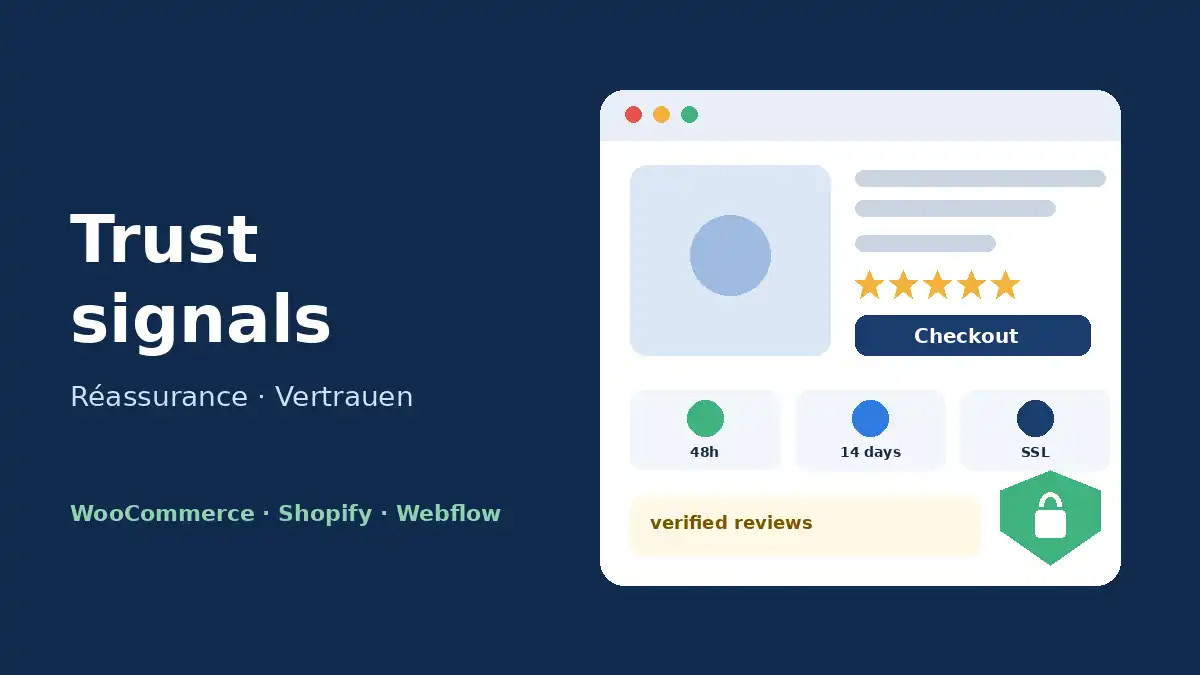
Ecommerce trust signals are the proof points that tell a visitor it is safe to buy: a verifiable business identity, the full price up front, a concrete delivery date, a clear returns policy, verified reviews and a checkout that looks secure. Placed at the right step of the journey, they directly reduce cart abandonment.
Every shopper landing on a store they don't know asks the same four questions. Is this a real business? What will I pay in total? When will it arrive? What happens if it's wrong? If your store doesn't answer them at the moment they arise, the visitor leaves, usually for Amazon or a brand they already recognize.
This guide is for store owners, startups and marketing teams selling on WooCommerce, Shopify or Webflow. It covers the ten trust signals that actually move conversion, where to place them, and the legal requirements that double as reassurance.
Trust is a conversion problem, not a branding exercise
Lack of trust shows up in the numbers. In Baymard Institute's cart abandonment research, 19% of US online shoppers abandoned an order because they didn't trust the site with their credit card information. 13% left because of an unsatisfactory returns policy and 12% because they couldn't see the total cost up front.
Baymard also found that perceived security is a gut feeling, not a technical fact. A fully encrypted checkout can still feel risky if the payment step looks generic, while well-known brands need far less visual reassurance than new or niche stores. In other words, the younger your brand, the more trust signals weigh on your ecommerce conversion rate.
The 10 trust signals every online store needs
1. A business identity customers can verify
Company name, physical address, phone number, email and registration details should be reachable from the footer of every page. An About page with real photos of your team, workshop or warehouse adds weight. In most markets, part of this information is also a legal requirement.
2. The full price, with no surprises
Unexpected extra costs remain the number one reason shoppers abandon checkout. Show shipping costs, or at least an estimate, on the product page and in the cart. Our guide to ecommerce shipping strategy covers the display options that work best.
3. A concrete delivery promise
"Fast shipping" reassures nobody. "Order by 2 pm, delivered Thursday" does. An estimated delivery date on the product page beats any generic promise.
4. A returns policy people can read in five seconds
Summarize it in one line next to the buy button ("Free returns within 30 days") and link to a full page written in plain language: conditions, time limit, who pays return shipping and how fast refunds are issued.
5. Verified customer reviews
Reviews are the strongest form of social proof, as long as they look real: average rating, review count, visible negative reviews and merchant replies. Our ecommerce product reviews guide explains how to collect and display them.
6. A payment area that looks secure
Baymard recommends visually encapsulating the card fields: a border, a subtly different background and one or two padlock or seal icons inside that area. In its research on payment form security perception, third-party trust seals that verify the business generally outperformed plain SSL seals.
7. Familiar payment methods
Seeing PayPal, Apple Pay, Google Pay, Klarna or a local bank brand reassures more than any copy. Express wallets also hide card entry entirely, which removes the moment of doubt. See our guide to express checkout for ecommerce.
8. Customer service you can actually reach
A chat, phone line or WhatsApp number with posted opening hours removes the last objections, especially for expensive or technical products. Promise a realistic response time rather than a "24/7" you can't keep.
9. Third-party badges that can be verified
A badge only works if it is clickable and verifiable. Since September 2025, Google has offered a store widget for Merchant Center sellers that displays your store rating, shipping and returns information and updates automatically. Google reports up to 8% higher sales within 90 days for merchants using it, a figure that comes from Google itself. It requires a well-configured Google Merchant Center account.
10. Professional, bug-free design
Typos, blurry images or a layout that breaks on mobile all erode trust. Baymard notes that display bugs can make shoppers suspect a hacked or fraudulent site. Execution quality is a trust signal in its own right.
Where to place trust signals along the buying journey
A trust signal only helps at the moment doubt appears. Stacking ten badges in the footer does very little.
| Step | Main question in the shopper's mind | Signals to show |
|---|---|---|
| Homepage and categories | "Is this store legitimate?" | Shipping and returns bar, average rating, Google store widget, genuine press mentions |
| Product page | "Is this the right product? When will I get it?" | Reviews, estimated delivery date, one-line returns policy, stock status, contact |
| Cart | "What will I pay in total?" | Shipping cost, total incl. tax, accepted payment methods |
| Checkout | "Is my card data safe?" | Encapsulated payment area, padlock, third-party seal, links to terms and returns |
| After purchase | "Did my order go through?" | Instant confirmation email, tracking link, customer service contact |
Legal requirements that double as trust signals
Selling into the EU: reviews and the new withdrawal button
Two EU rules affect trust signals directly. Under the Omnibus Directive, applied since May 2022, a merchant that displays reviews must state whether and how it checks that they come from real buyers, as summarized by Trusted Shops. And since June 19, 2026, Directive (EU) 2023/2673 requires an online withdrawal function that is clearly labeled and available throughout the 14-day withdrawal period. Treat both as an opportunity: transparent review policies and painless cancellations are exactly what cautious shoppers look for.
Selling in Tunisia
Article 25 of Tunisia's e-commerce law no. 2000-83 (French) requires sellers to disclose their identity, prices, delivery costs and withdrawal terms before the sale, and Article 30 gives consumers 10 working days to withdraw. Cash on delivery remains one of the strongest trust signals in that market.
How to implement trust signals on WooCommerce, Shopify and Webflow
WooCommerce
WooCommerce gives you the most freedom: trust blocks under the add-to-cart button through theme hooks, delivery estimates, any payment gateway you need. The trade-off is discipline. Every badge or review plugin adds JavaScript, and a slow or buggy checkout destroys the very trust you are trying to build. Our WooCommerce development team typically builds these blocks natively in the theme rather than stacking plugins.
Shopify
Shopify generates policy templates (refund, privacy, terms, shipping) in its settings and links them automatically in the checkout footer, as explained in Shopify's help center on store policies. The hosted checkout and Shop Pay already carry strong familiarity, so most of your work happens on the product page and cart, through theme blocks and review apps.
Webflow
Webflow lets you design polished trust sections directly in the Designer and bind them to CMS fields, so each product can show its own delivery time or guarantee. Policy pages and the EU withdrawal link are yours to build. Check payment availability for your market first, as covered in our Webflow Ecommerce guide.
Example: a young skincare brand on WooCommerce
Consider an illustrative case: a new skincare brand gets steady Instagram traffic, but most visitors leave the product page without adding to cart. A trust audit finds no business address, no delivery estimate, undated testimonials and a checkout that reveals shipping costs only at the last step.
A typical action plan:
- Add the company address, registration details and a support channel to the footer and contact page.
- Show three lines under the add-to-cart button: delivery estimate, accepted payment methods, returns window.
- Replace undated testimonials with reviews collected after delivery, showing date and first name, and state how reviews are verified.
- Display shipping costs in the cart and visually frame the card fields.
- Track add-to-cart rate and conversion rate in GA4 over four to six weeks.
Results depend on the starting point, but these fixes target documented causes of abandonment rather than guesswork.
Trust killers to avoid
- Fake badges: a non-clickable "100% secure" seal or an invented label can be treated as a misleading practice.
- Fake countdown timers and permanent "only 2 left" messages: shoppers spot them quickly.
- Only five-star reviews: a 4.6 rating with a few critical reviews looks more credible than a perfect 5.0.
- Pop-up overload on arrival, which makes the store feel aggressive.
- Copy-pasted policies that mention another country, currency or company.
Ecommerce trust checklist
- Business identity, address and contact details reachable from every page.
- Shipping costs and delivery time visible before checkout.
- One-line returns summary near the buy button, full policy on its own page.
- Verified reviews with rating, count and dates, plus your verification method.
- Framed payment area with one or two security cues.
- Logos of payment methods you actually accept.
- Reachable customer service with posted hours and response time.
- Legal information compliant with each market you sell into.
- Fast, bug-free store tested on mobile.
Conclusion: trust is designed, not declared
Trust signals are not a row of logos in the footer. They are precise answers to a shopper's doubts, delivered at the exact moment those doubts appear: on the product page, in the cart, at payment. Stores that treat trust as a conversion project rather than a design detail recover sales they were losing without knowing it.
Our team designs, audits and optimizes WooCommerce, Shopify and Webflow stores for brands in Europe and Tunisia. Explore our ecommerce development services or ask us for a trust and conversion audit of your store.