
Out-of-stock products: protect your rankings and your revenue
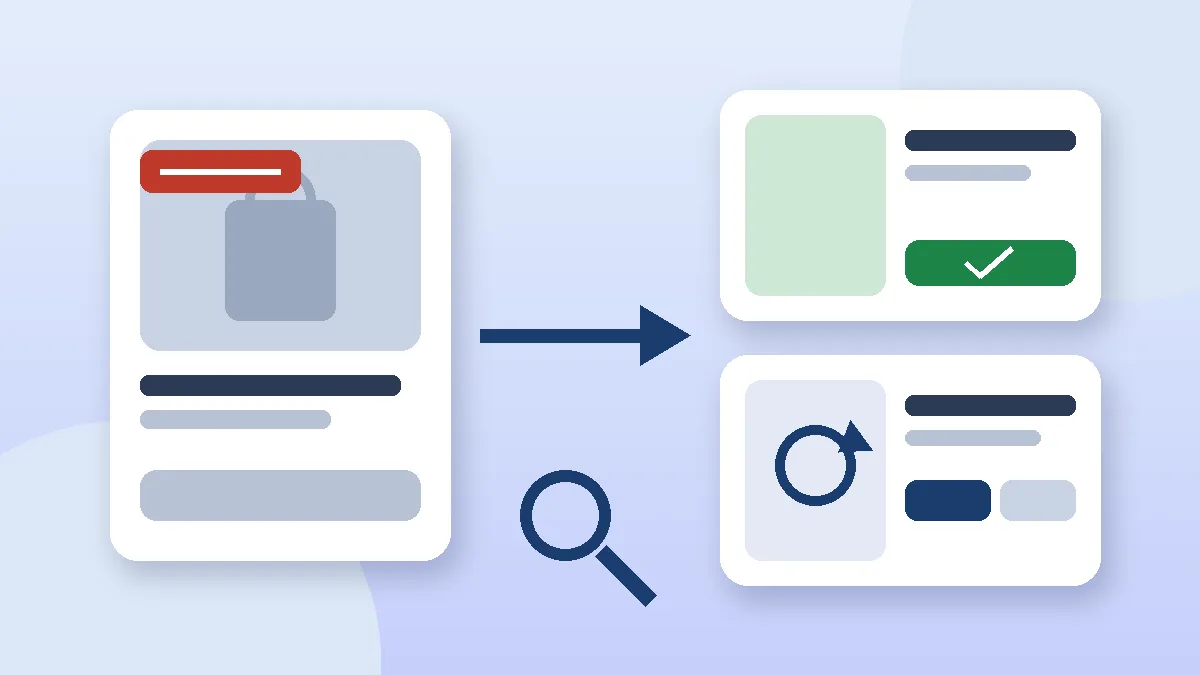
If a product is temporarily out of stock, keep its page live with a clear stock status, an expected restock date and relevant alternatives. If it is discontinued for good, 301 redirect it to its replacement or category when the URL still has SEO value, and let it return a 404 or 410 when it doesn't. Deleting pages on reflex, or redirecting everything to the homepage, costs you both rankings and customers.
The weeks after Black Friday and before the holidays are when stock runs out fastest. They are also when store teams hide, delete or redirect product pages in a hurry, without thinking about what Google sees. A product page that took months to rank can disappear in an afternoon.
This guide is for store owners, marketing teams and startups selling on WooCommerce, Shopify or Webflow. It gives you a simple decision framework, the UX patterns that keep the sale alive, and the exact settings on each platform.
Why out-of-stock products are an SEO problem
Google doesn't want to send searchers to a page where they can't buy anything. In a Search Central office-hours session, John Mueller said Google could, in theory, treat an out-of-stock product page more like a soft 404 and drop it from search results, as reported by Search Engine Journal. He added two reassuring points: a page with plenty of useful product information can stay relevant even when the item is unavailable, and one sold-out product doesn't hurt the rest of the site's rankings.
So the risk is narrow but real. A page stripped down to a photo and a greyed-out button looks empty. A complete page, with description, specifications, reviews and FAQs, has a much better chance of holding its position until the restock.
The revenue impact is even more direct. According to Baymard Institute's research on out-of-stock products, about 30% of users are likely to leave a product page and look elsewhere when told the item is out of stock, and 68% of the sites studied don't let shoppers order temporarily unavailable products.
The decision framework: temporarily sold out or discontinued?
Everything comes down to one question: is the product coming back? The answer decides what happens to the URL.
| Situation | What to do with the URL | Structured data | Example |
|---|---|---|---|
| Temporarily sold out, restock planned | Keep the page live (200) | OutOfStock, BackOrder or PreOrder | One sneaker size sold out until the next delivery |
| Seasonal product that returns every year | Keep the page, remove it from promotions | OutOfStock | A holiday gift box, a swimsuit range |
| Replaced by a newer model | 301 redirect to the new product | None (redirected) | A V2 device replaced by the V3 |
| Discontinued, with traffic or backlinks | 301 to the closest equivalent product or the category | None (redirected) | A retired skincare product that still ranks |
| Discontinued, no traffic or links | 404 or 410 | None | A one-season clearance item |
| Discontinued but still widely searched | Keep as a "discontinued" page with alternatives | Discontinued | A popular model customers still look up for manuals and spare parts |
To decide between a 301 and a 404, check three numbers in Search Console and your analytics: organic clicks over the last twelve months, external links pointing to the page, and the revenue it generated. If all three are zero, a clean 404 is the right call.
Temporarily out of stock: keep the page and the sale
Show a clear status and a restock date
Put the stock status next to the price and the buy button, not at the bottom of the page. If you know when stock is due back, say so ("Back around November 20"). An honest estimate builds more trust than a bare "Unavailable".
Let customers order anyway when you can
This is Baymard's strongest recommendation. Online shoppers already expect to wait for delivery, so many will accept a longer wait. Let them buy the product with the extended delivery time clearly stated, instead of blocking checkout. "Notify me when available" buttons and wishlists are useful, but only as a backup: few users sign up for them.
Offer genuine alternatives
Below the buy box, show products that are truly comparable: same use, similar price range, in stock now. Someone looking for a moisturiser for dry skin doesn't want to be shown shampoo.
Keep all the content on the page
Don't strip the page. Description, specifications, size guide, reviews and FAQs should all stay visible. That content is exactly what stops Google from treating the page as empty. Our guide to ecommerce category page SEO also shows how to keep sold-out items linked without cluttering your listings.
Update Product schema and your Merchant Center feed
The availability property in your structured data must match reality. Google's merchant listing documentation accepts values including InStock, OutOfStock, BackOrder, PreOrder, SoldOut and Discontinued, one value at a time. Your product feed needs the same consistency: a mismatch between page and feed can get items disapproved in Merchant Center. Our guides to ecommerce structured data and the Google Merchant Center product feed explain how to keep both in sync.
Push sold-out items down, don't hide them
On category pages and in site search, move sold-out products to the end of the list rather than removing them. Shoppers see what they can buy first, and the product page stays connected to your internal linking.
Discontinued products: redirect or return a 404?
Use a 301 redirect to pass on value
If the page has traffic, backlinks or a direct successor, 301 redirect it to the closest match: the new model, an equivalent product or, failing that, the category. Add a short note on the destination ("This product has been replaced by…") so visitors understand why they landed somewhere else.
Never redirect everything to the homepage
This is the most common mistake. In its help article on 404 errors, Google explicitly advises against redirecting deleted pages to the homepage. Redirects that have nothing to do with the original content are treated as soft 404s and confuse both users and search engines.
Use a 404 or 410 to clean up
For a product with no SEO value and no equivalent, let the URL return a 404 or 410. According to Google's HTTP status code documentation, both lead to the URL being removed from the index, and Google handles them the same way. Make your 404 page useful: site search, main categories and best sellers.
Clean up after yourself
- Remove the URL from your XML sitemap.
- Fix internal links (menus, blog posts, related products) that still point to the old page.
- Remove the product from your Merchant Center feed and from Google Ads or Meta campaigns.
- Avoid redirect chains: if A redirects to B and B is later discontinued, point A straight to C.
During a redesign or replatforming, these rules apply to hundreds of products at once. Our ecommerce migration SEO checklist walks through the redirect plan.
Platform settings: WooCommerce, Shopify and Webflow
WooCommerce
Under WooCommerce > Settings > Products > Inventory, the WooCommerce documentation covers the key options: stock management, low stock threshold, out of stock threshold and out of stock visibility. Hiding out-of-stock items from the catalog is tempting, but it also removes them from listings and from your internal linking, so keep it for stores where stockouts last only a day or two. At product level, the "Allow backorders?" setting enables pre-orders. For discontinued products, manage 301 redirects with a plugin such as Redirection, Rank Math or Yoast SEO Premium.
Shopify
Turn on inventory tracking, then tick "Continue selling when out of stock" on products you can restock, as described in Shopify's help center. Watch out with multiple locations: a product can show as sold out if the location that fulfils online orders is empty, even when another location has stock. When you archive or delete a discontinued product, its URL stops working, so add a redirect in Shopify's URL redirects.
Webflow
Inventory tracking is off by default, so products start with unlimited stock. Once you turn it on, the Add to Cart button switches to an out-of-stock state when quantity reaches zero, according to Webflow's inventory help article. Customise that state in the Designer to add a restock date and a link to alternatives. Redirect discontinued products from your site settings, in the 301 redirects section under Publishing.
Example: a fashion store after the winter sale
An illustrative case: a WooCommerce fashion store with 900 SKUs comes out of its winter sale with 140 sold-out products. The team's first instinct is to delete them all to "clean up" the catalog.
- Sort the SKUs: 90 will return with the next delivery, 30 are clearance lines with no traffic, 20 are discontinued but still get organic visits.
- Returning products: pages kept, backorders enabled with the delivery time displayed, schema updated to BackOrder, products moved to the end of category listings.
- Clearance lines with no traffic: 404, removed from the sitemap and the Merchant Center feed.
- Discontinued products with traffic: 301 to the equivalent item in the new collection, internal links updated.
In a single day of work, the store keeps the pages that rank, avoids dozens of soft 404s and turns part of its sold-out traffic into backorders or sales of alternatives.
Checklist: handle stockouts without losing SEO
- Classify every sold-out product: returning, seasonal, replaced or discontinued.
- Keep pages for returning products live, with all their content.
- Show stock status and restock date next to the buy button.
- Enable backorders whenever supply allows it.
- Recommend genuinely comparable alternatives.
- Sync
availabilityin Product schema and your Merchant Center feed. - 301 redirect discontinued products that have traffic, never to the homepage.
- Let discontinued products with no value return a 404 or 410.
- Clean up sitemaps, internal links and ad campaigns.
- Monitor the Search Console indexing report for soft 404s.
Conclusion: manage stockouts, don't just react to them
Running out of stock is not a reason to delete a product page. With a clear rule (keep, redirect or remove), product pages that stay useful and consistent stock data everywhere, you protect your Google rankings and keep selling while you restock.
Agence Web Tunis designs, optimises and rebuilds WooCommerce, Shopify and Webflow stores for clients in Europe and North Africa. Explore our WooCommerce development services and our SEO services, or send us your store URL for a free review of how your sold-out and discontinued products are handled.