
Ecommerce migration: replatform without losing your SEO
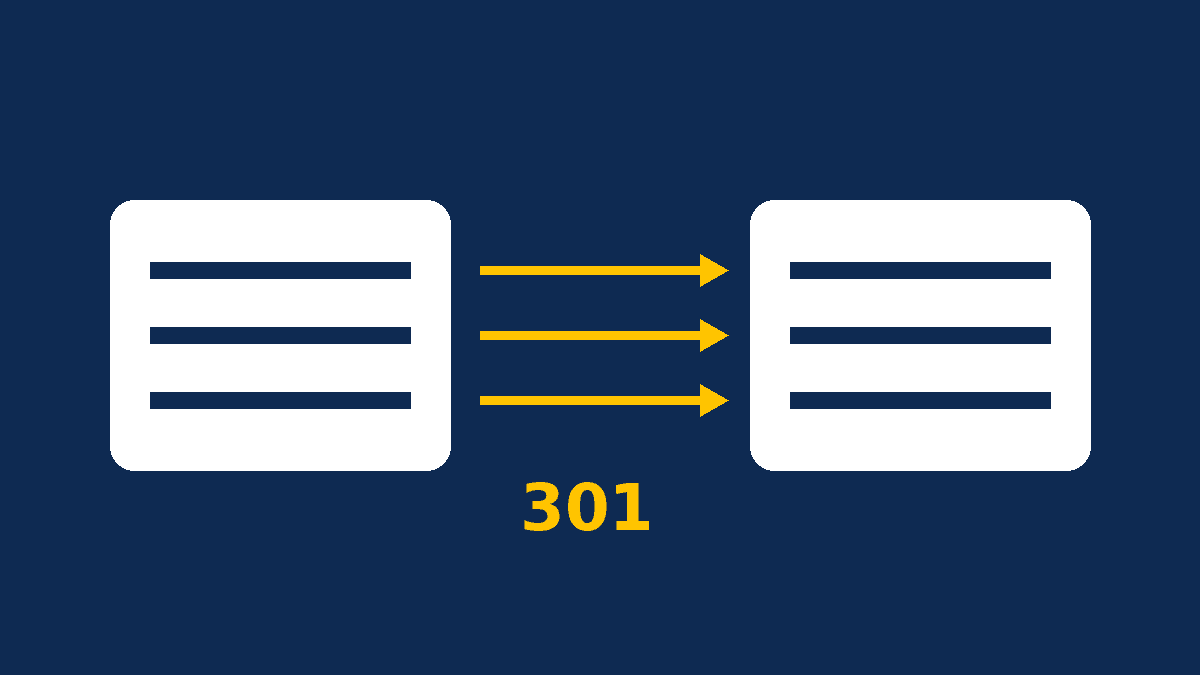
A successful ecommerce migration comes down to three things: a complete inventory of your existing URLs, a page-by-page 301 redirect map, and thorough testing before launch. Skip any of them and moving from WooCommerce to Shopify, Shopify to Webflow or Magento to WooCommerce can erase years of SEO work in a matter of days.
It is a familiar story. The new store looks better, loads faster and is easier for the team to manage, yet organic traffic drops by half the following month. The cause is almost always the same: old product and category URLs return 404 errors, Google loses track of the pages that used to rank, and backlinks earned over the years now point nowhere.
This guide is written for store owners, marketing teams and startups planning a replatforming project. It walks through the process we use step by step, including the quirks of WooCommerce, Shopify and Webflow.
Why replatforming puts your organic traffic at risk
Every platform enforces its own URL structure. A WooCommerce product lives at /product/product-name/ by default. On Shopify the same product becomes /products/product-name, and on Webflow /product/product-name. To Google, these are three different addresses. If the old URL does not redirect to the new one, all the ranking signals attached to it are at risk.
URLs are only part of the picture. A migration also touches title tags, meta descriptions, category copy, internal links, structured data, images and sometimes the domain name itself. A store with 500 products can easily have more than 2,000 indexed URLs once you count categories, filtered pages, blog posts and images.
Common ecommerce migration scenarios
| Migration | Typical motivation | Main SEO watch-out |
|---|---|---|
| WooCommerce to Shopify | Less technical maintenance, hosting included | Fixed /products/ and /collections/ prefixes, blog under /blogs/ |
| Shopify to WooCommerce | Full customization, no app subscription stack, more payment options | Set permalinks before importing, avoid duplicate categories |
| Magento or PrestaShop to WooCommerce | WordPress ecosystem, lower development costs | URLs with numeric IDs that must be mapped one by one |
| WordPress site to Webflow | Custom design, visual CMS for marketing teams | CSV redirect import replaces all existing redirects |
Before you start, make sure the move solves a real problem. Our comparisons of Shopify vs WooCommerce and Webflow vs WordPress will help you confirm the target platform fits your catalog, payment methods and team.
Step 1: Build a complete URL and data inventory
The quality of your migration depends directly on the quality of this inventory. Google's documentation on site moves with URL changes recommends compiling the list of old URLs from several sources:
- A full crawl of the current store with a tool such as Screaming Frog or Sitebulb;
- Your existing XML sitemaps;
- Google Search Console: every page with impressions or clicks over the last 16 months;
- Analytics: landing pages and pages that drive revenue;
- Backlink data: pages with external links, which you cannot afford to lose;
- A CMS export: products, variants, categories, pages and posts, including unpublished items.
Record your baseline before migrating: organic sessions, rankings for your top 50 queries, conversion rate and revenue by channel. Without a baseline, you cannot measure the real impact of the switch.
Step 2: Create your 301 redirect map
A redirect map is a two-column spreadsheet: old URL, new URL. Every page with value should point to its closest equivalent through a permanent server-side redirect (301 or 308).
Redirect rules that protect rankings
- Like for like: product to the same product, category to the same category. Sending hundreds of URLs to the homepage is a mistake Google often treats as a soft 404.
- No chains: each old URL should go straight to its final destination, not through several hops.
- Discontinued products: redirect to a replacement or the parent category when there is a logical match; otherwise serve a helpful 404 or 410 page.
- Keep them: Google advises keeping redirects for at least a year, and ideally indefinitely.
URL structures by platform
| Page type | WooCommerce (default) | Shopify | Webflow |
|---|---|---|---|
| Product | /product/slug/ | /products/handle | /product/slug |
| Category | /product-category/slug/ | /collections/handle | /category/slug |
| Page | /slug/ | /pages/handle | /slug |
| Blog post | /slug/ or /blog/slug/ | /blogs/blog-name/handle | Depends on the CMS collection |
Shopify specifics
Shopify manages redirects under Content > Menus > URL redirects, with bulk import by CSV. According to Shopify's help center, standard stores can create up to 100,000 redirects. Two rules often catch teams out: a redirect only fires when the old path returns a 404, and some paths such as /products, /collections and /cart cannot be redirected at all.
Webflow specifics
In Webflow, redirects live under Site settings > Publishing > 301 redirects. The Webflow CSV import takes a two-column file, but each new import overwrites every existing redirect. Always export the current list first, append your new rows, and republish the site to make the changes live.
WooCommerce specifics
On WooCommerce, set your product and category permalink structure before importing anything, because changing it later triggers a second wave of redirects. Redirects are best handled at server level or with a dedicated plugin such as Redirection or Rank Math's redirection module. If you are rebuilding a store or site without leaving WordPress, our website redesign service covers the additional checks involved.
Step 3: Migrate your data without breaking the customer experience
Shopify recommends importing data in this order: products, then customers, then historical orders, so orders link to the right customer records. The same logic applies on any platform. Also switch off order notifications during the import, or your team will receive an email for every historical order.
Items that are easy to forget:
- SEO content: title tags, meta descriptions, category copy and image alt text, carried over unchanged unless you are deliberately improving them;
- Variants: sizes, colors and SKUs with accurate stock levels;
- Product identifiers: GTINs and brands, which your product structured data depends on;
- Customer reviews: export them with their dates and products, since they are unique content;
- Customer accounts: passwords generally cannot be transferred between platforms, so plan an email inviting customers to reactivate their accounts.
Step 4: Test everything on a staging site
The new store should be fully tested before launch on a staging domain that search engines cannot index. At a minimum:
- Test a sample of at least 100 redirects, starting with your highest-traffic and highest-revenue pages.
- Compare title tags, meta descriptions and H1s against the old store.
- Check canonical tags and, for multilingual stores, hreflang annotations.
- Validate structured data with Google's Rich Results Test.
- Place test orders with every payment method and shipping option.
- Measure speed and Core Web Vitals on product, category and cart templates.
- Confirm that analytics and ad conversion tracking fire correctly.
Step 5: Launch day and the first 90 days
On launch day, remove the staging noindex, activate the redirects, submit the new sitemap in Search Console and immediately spot-check your key pages. If the domain changes, use Search Console's Change of Address tool; you do not need it if only the URL paths change.
Some ranking fluctuation is normal while Google recrawls and reindexes the store. Google notes that a medium-sized site can take a few weeks for most new URLs to be picked up, and larger catalogs take longer. For 90 days, check weekly:
- 404 errors in Search Console and server logs;
- the number of indexed pages from the new sitemap;
- rankings for your main queries and organic traffic by page type;
- conversion rate and average order value against your baseline.
Example: a fashion brand moving from WooCommerce to Shopify
Consider an illustrative case: a clothing brand with 600 products, 40 categories and an 80-post blog on WooCommerce. The inventory turns up 2,300 URLs, with 180 pages driving 85% of organic traffic.
The redirect map sends every /product/ URL to its /products/ equivalent, every /product-category/ to its /collections/ page, and every post to /blogs/journal/. The 60 discontinued products redirect to their category. Category copy is carried over in full, reviews are imported with their dates, and customers receive an invitation to reactivate their accounts. After launch, weekly monitoring catches the handful of missed URLs in the 404 report so they can be fixed quickly.
No migration can promise zero fluctuation, but this approach limits the risk of lasting losses and makes the impact measurable.
The most expensive migration mistakes
- Migrating during peak season, such as right before Black Friday, when any incident costs the most.
- Forgetting image URLs, which can bring meaningful traffic from Google Images.
- Leaving the staging noindex on the live store.
- Rewriting all content at the same time: changing platform, structure and copy at once makes diagnosis impossible.
- Deleting redirects a few months later to "clean up".
Conclusion: plan the migration, don't improvise it
Replatforming is often the right call for better performance, more autonomy or higher conversion rates. But a store's SEO value lives in its URLs, content and links, and a well-run ecommerce migration carries all of it over to the new platform. Inventory, redirects, data, testing and monitoring: none of these steps is optional.
Our team handles migrations to and from WooCommerce, Shopify and Webflow for online stores in Europe and North Africa. Explore our WooCommerce development services, our ecommerce website development and our SEO services, or get in touch for a free pre-migration audit of your store.